ChatGPT Humanizer That Makes Your Text Sound Like You
Paste anything ChatGPT wrote and get it back reading like a person, not a language model. Humanize ChatGPT text in seconds while your meaning, facts, and keywords stay exactly where you left them.



Output Reads Natural Across Platforms





Verifying Content Quality
Analysis Active


How to Humanize ChatGPT Text in Three Steps
From robotic draft to natural writing in under a minute. No account, no credit card, no learning curve.
Paste Your ChatGPT Output
Copy the response straight from ChatGPT and drop it into the box above. Essays, blog posts, emails, reports, product descriptions. If ChatGPT wrote it, the humanizer can work with it.
Click Humanize
The engine rebuilds sentence structure, varies rhythm and length, and swaps out the vocabulary patterns that make GPT output so easy to spot. Your facts and arguments never move.
Copy Your Human Text
Read the result once, hit copy, and use it wherever it needs to go. Most texts finish processing in about three seconds, even long ones.
Why ChatGPT Text Sounds Like ChatGPT
ChatGPT is trained to predict the most likely next word. That makes it fluent, and it also makes it predictable. Readers pick up on the pattern within a paragraph or two, and AI detectors are built to measure exactly that predictability.
The tells show up everywhere once you know what to look for. Every sentence lands at roughly the same length. Certain words appear far more often than any person would use them, like delve, pivotal, tapestry, and moreover. Paragraphs follow the same tidy shape: a claim, three supporting points, a neat little summary. Hedging phrases such as "it is important to note that" pad out the word count without saying anything.
Detection tools like GPTZero and Originality.AI score text on two signals: perplexity, which is how surprising each word choice is, and burstiness, which is how much sentence length and rhythm vary. Human writing is messy on both counts. Raw ChatGPT output is not. A good ChatGPT humanizer closes that gap by putting the mess back in, deliberately and without touching your meaning.
Check your text with our free AI detector
What a ChatGPT Humanizer Actually Does
A common misconception is that humanizing means swapping words for synonyms. That is what cheap paraphrasers do, and it fails because the sentence skeleton stays identical. Detectors read structure, not just vocabulary.
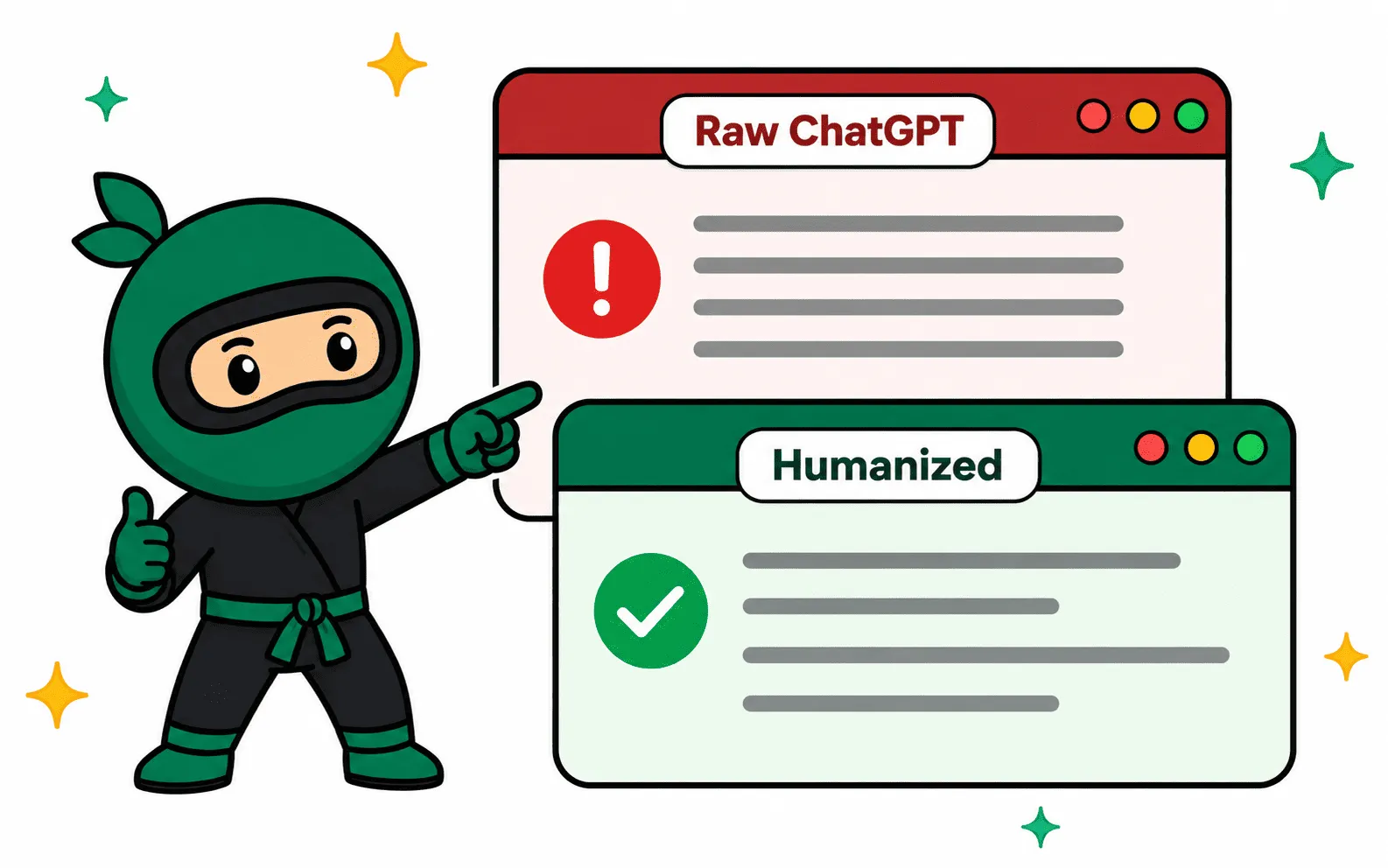
Ninja Humanizer rewrites at the structural level. It breaks long uniform sentences into short ones and stretches others out, so the rhythm stops looking machine-made. It retires the GPT vocabulary crutches and replaces them with plainer, more specific language. It reshapes paragraph flow so your ideas connect the way a person would connect them, not the way a model pads out a response.
-
Sentence structure and rhythm rebuilt, not just words replaced
-
Citations, statistics, names, and technical terms stay untouched
-
SEO keywords held in place while the surrounding prose loosens up
-
Tone control, from formal academic voice to casual blog style
How to Humanize ChatGPT Content for Free
You do not need a paid plan to get natural text out of ChatGPT. Here is the exact workflow, start to finish.
Finish your draft in ChatGPT first
Get the content right before you worry about how it sounds. Fix the facts, the order of your arguments, and anything missing. Humanizing works best on a draft you are already happy with.
Paste it into the humanizer above
No account needed. Free users get a daily allocation of requests, which covers a typical essay or blog post. Pick a tone if you want the output to lean formal or conversational.
Click Humanize and read the result
Processing takes a few seconds. Read the output once, ideally out loud. If a sentence does not sound like something you would say, run it again or tweak it by hand. You know your voice better than any tool does.
Verify with the built-in AI check
Use the Check for AI button to see how the text scores before you publish or submit it. It runs your writing against the same signals that tools like GPTZero and Copyleaks measure.
Copy, publish, done
One click copies the final text. If you humanize content every day, the browser extension saves you the trip back to this page.
Prefer to do it by hand?
Manual editing works too, it just takes longer. If you want to humanize text from ChatGPT yourself, these are the edits that move the needle most:
- Vary sentence length hard. Follow a long sentence with a four-word one.
- Cut filler openers: "In today's world", "It is important to note", "In conclusion".
- Swap GPT favorites like delve, pivotal, foster, and tapestry for plain words.
- Add something only you could write: a specific example, a number, a first-hand detail.
- Break the five-paragraph essay shape. Merge points, reorder them, drop one.
- Read it aloud. Anything you stumble over, a reader will stumble over too.
Budget 20 to 30 minutes per thousand words for a proper manual pass. The tool above does the same job in about three seconds, which is why most people start there and hand-polish afterward.
Who Uses a ChatGPT Humanizer
ChatGPT writes the first draft for millions of people every day. These are the three groups we see humanizing that draft before it goes anywhere important.

Students & Researchers
Drafting with ChatGPT is fast. Submitting raw ChatGPT is risky, because the flat, samey prose reads as machine-written even before a detector sees it. Students humanize their drafts so the final essay carries their own voice, with citations and terminology preserved.
- Citations and references stay intact
- Academic tone preserved
- Hours of rewriting saved per paper

Bloggers & SEO Teams
Google rewards content that reads like a person wrote it for people. Publishing raw ChatGPT articles at scale is exactly the pattern the helpful content system targets. Teams humanize ChatGPT drafts to keep the production speed and lose the machine footprint.
- Target keywords stay in place
- Better dwell time and engagement
- Batch processing for large sites

Professionals at Work
Emails, proposals, LinkedIn posts, performance reviews. Colleagues notice when a message reads like it came off an assembly line, and it changes how they read you. Professionals humanize ChatGPT drafts so the efficiency stays invisible and the voice stays theirs.
- Tone options for every audience
- Nothing you paste is ever stored
- Works right in your browser
Humanize Text from ChatGPT, Whatever Model Wrote It
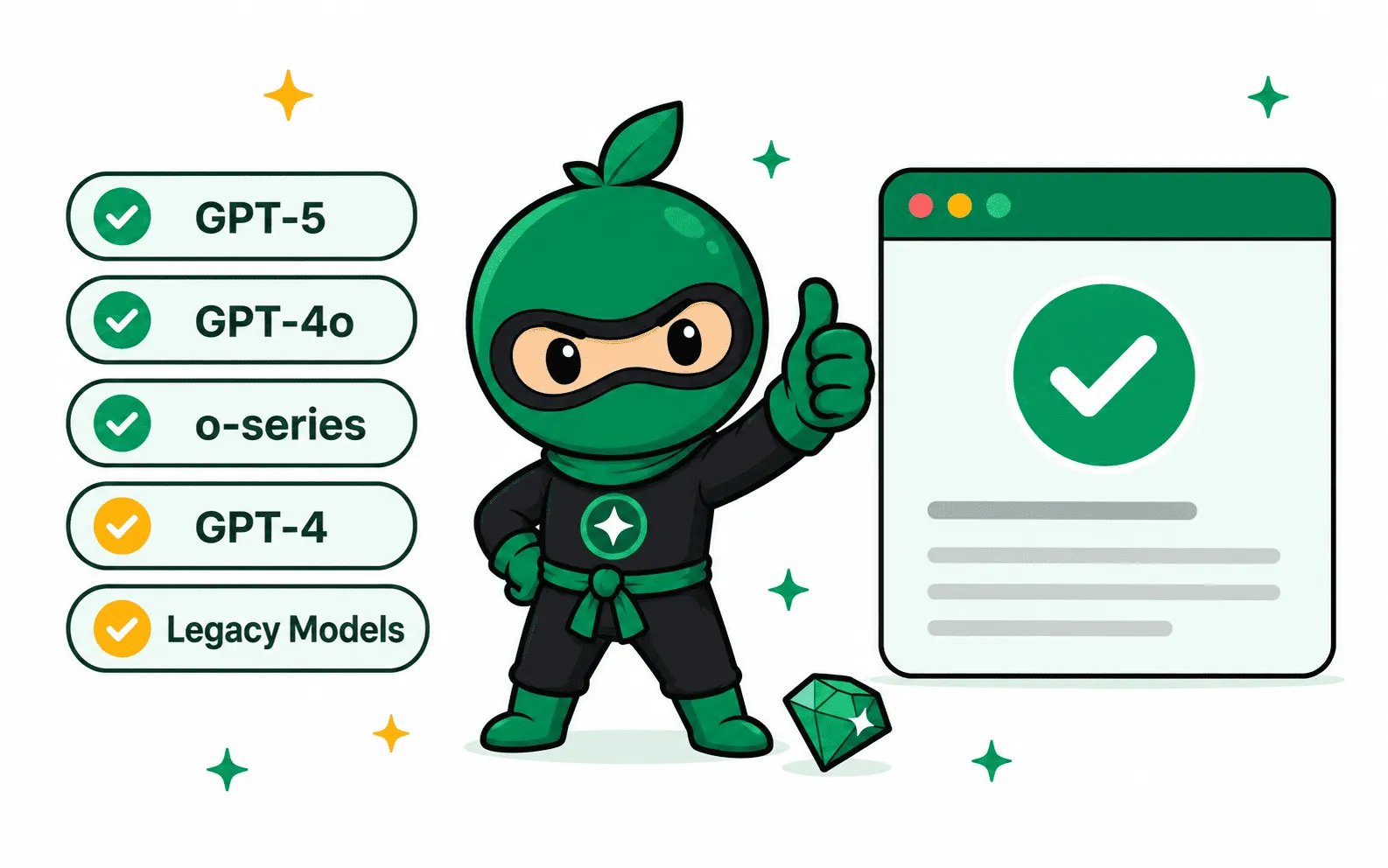
OpenAI ships new models constantly, and each one writes a little differently. It does not matter which one produced your draft. GPT-5, GPT-4o, the o-series reasoning models, the free tier, the Plus tier: the humanizer reads the text in front of it and rewrites the patterns it finds, so it keeps working as the models change.
Writing coming from somewhere else? The same engine powers our general humanize AI text tool, which handles output from Claude, Gemini, DeepSeek, and any other assistant you use. If the draft came out of Claude specifically, the free Claude watermark remover strips the invisible characters and rewrites the wording in one pass.
Can't I Just Ask ChatGPT to Sound More Human?
It is the first thing everyone tries, and it is worth understanding why it disappoints. Prompts like "rewrite this to sound human" or "write like a person, not an AI" do change the output. ChatGPT will shorten some sentences, drop a few formal words, maybe throw in a contraction or two. The surface gets friendlier.
The statistics underneath barely move. ChatGPT is still choosing the most probable next word at every step, because that is what the model is. Its idea of "casual" is itself a learned pattern, and detectors have seen millions of examples of it. Ask it to be imperfect and you get a very consistent, very predictable kind of imperfection. Run the result through a detector and the score often lands close to where it started.
There is a second cost people notice later: prompt-based rewriting drifts. Each "make it more natural" pass gives ChatGPT another chance to paraphrase your ideas, and small factual shifts creep in. By the third rewrite your carefully checked draft says things you never approved.
A dedicated ChatGPT humanizer takes the opposite approach. It treats your text as fixed and only reworks the delivery, using rewriting behavior tuned specifically against the signals detectors measure. One pass, no drift, and you can verify the result immediately with the built-in AI check. Prompting is a fine first instinct. This is just the tool that finishes the job.
What People Say After Humanizing Their ChatGPT Text
Writers, students, and marketers who made the humanizer part of their daily workflow.
Marcus Bell
Content Lead, B2B SaaS
"We draft everything in ChatGPT and it all used to sound the same. Running drafts through Ninja before editorial cut our revision time roughly in half. The output actually has rhythm now."

Anika Sharma
Masters Student, UCL
"I use ChatGPT to structure my literature reviews, then humanize before I edit. My citations never break and the writing finally sounds like me instead of a press release."
James Whitfield
Freelance SEO Writer
"Clients started asking why my turnaround got faster while the writing got better. ChatGPT does the heavy lifting, this does the voice. My keywords survive the rewrite every time."
ChatGPT Humanizer FAQs
Everything people ask before they humanize ChatGPT text for the first time.
Your ChatGPT Draft Is One Click from Sounding Human
Scroll up, paste your text, and see the difference for yourself. Free to use, no account required, and your first result is seconds away.
Trusted by 100,000+ writers
Sign in to keep writing
Free accounts get higher limits instantly.
 Turnitin
 GPTZero
 Originality.ai
 Copyleaks
 ZeroGPT
Wait, one more discount
TAKE AN EXTRA 10% OFF
Our plans are already on sale. This coupon stacks another 10% on top at checkout.
One coupon per person.

